@jesko Great news! This is now addressed with Auto-run on changes, which we shipped recently!
When enabled, the dashboard re-runs automatically whenever a cross-filter (or any filter, control, or source visualization) changes - no Apply button needed.
You can turn it on in Dashboard preferences > General > Auto-run on changes.
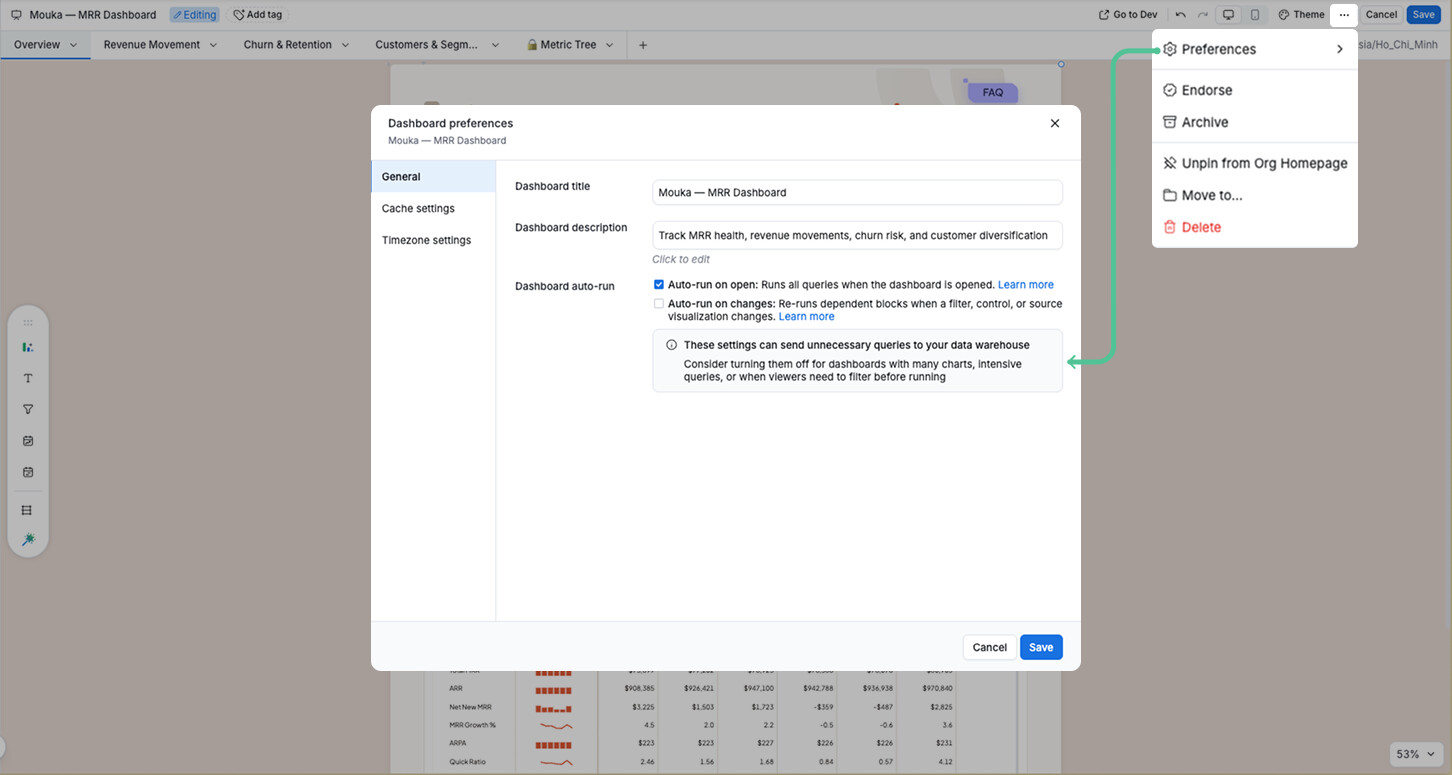
More details here: [Launched] Dashboard auto-run on changes