Happy 2026, community! 
Hope you all had a relaxing break and are feeling refreshed. We’re kicking off 2026 by tackling various small but mighty improvements. From crisper icons to smarter buttons, we’ve polished up the app to help you work faster (and with fewer “oops” moments).
Here’s a look at the polish we’ve added:
General UX & UI Enhancements
-
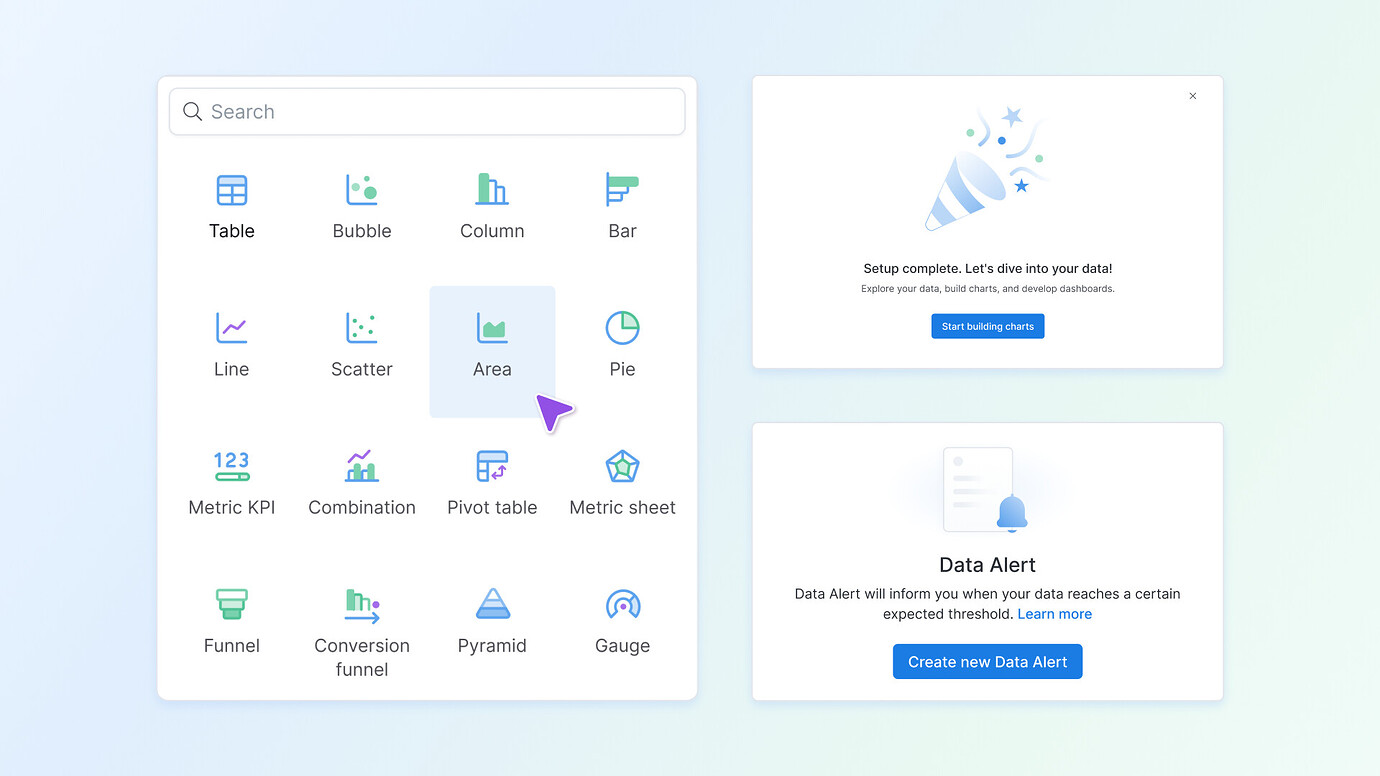
New icons and illustrations (or, new year new us
 ). You might notice Holistics looks a bit fresher. We’ve rolled out a new set of icons and illustrations across the app. This visual revamp gives the interface a more modern and cohesive look. The changes are subtle yet improve overall consistency and delight in the UI. Keep an eye out for the new graphics and let us know what you think!
-
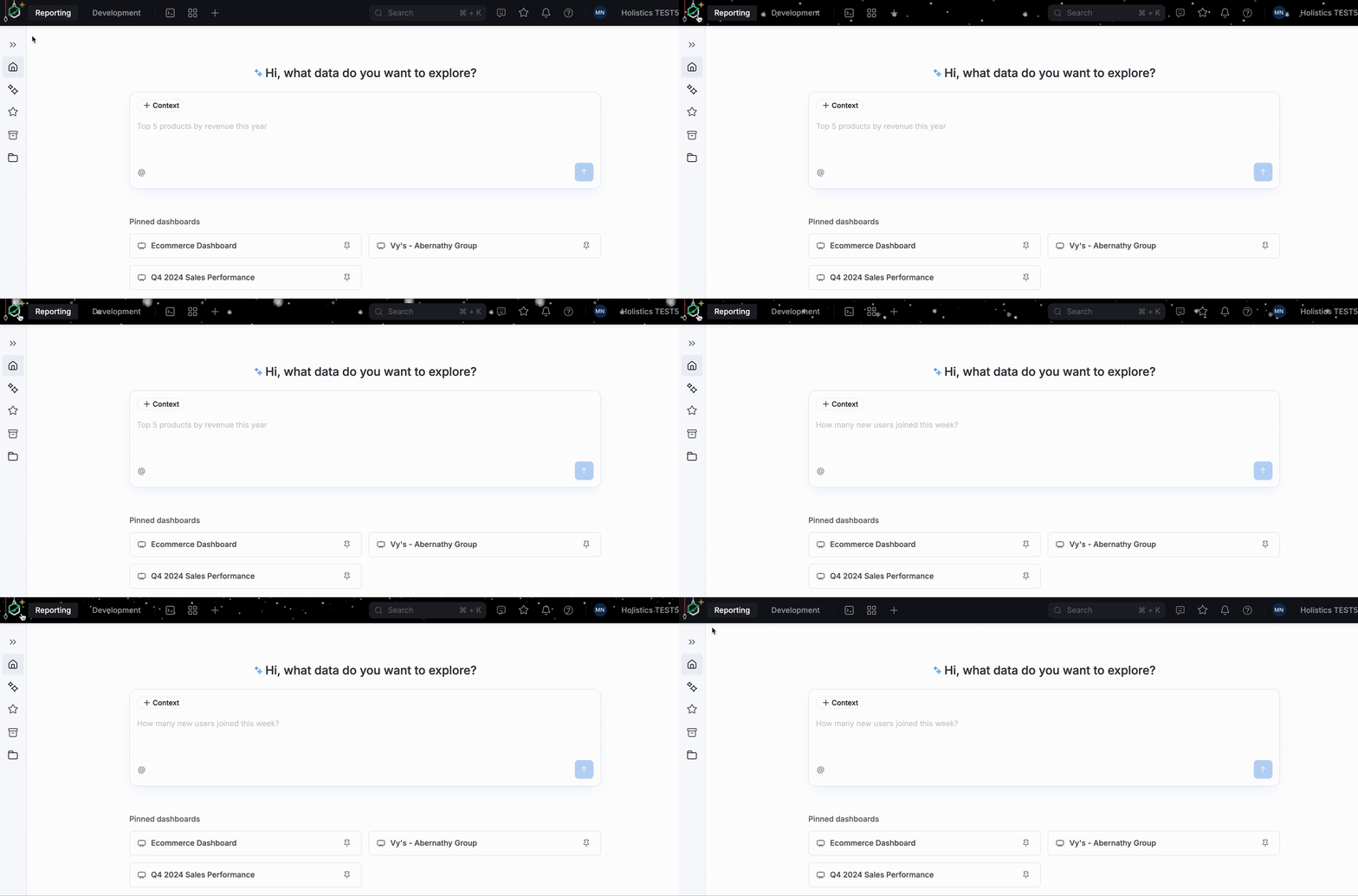
Festive header: To celebrate the holidays, we added some fun Christmas decorations in the app during the festive season. Hope you enjoyed the holiday cheer!

-
When deleting a Dashboard, if something goes wrong, the error message you see is now more informative. It should better explain the issue, instead of a generic or confusing message.
-
Explorer folder permissions: Previously, pasting a dashboard into a folder you don’t have edit access to would result in a vague error. We’ve improved this by showing a clear “You don’t have permission to edit this folder” message, so it’s obvious why the action can’t be done.
-
On the Schedule page, we fixed a case where an empty title would display as error. Also, in the Dashboard Schedules UI, the filters section used to always show “No filters” even when filters were applied – this is now resolved, and it will accurately reflect the actual filters.
-
We fixed a bug in delete confirmation dialogs. that made pressing Enter submit the modal even when you hadn’t typed the word DELETE. This prevents accidental deletions if you hadn’t completed the confirmation text.
-
Profile avatar will now display in sharp & high resolution.
-
Improved the behavior of password input fields to play nicely with password managers.
Reporting
-
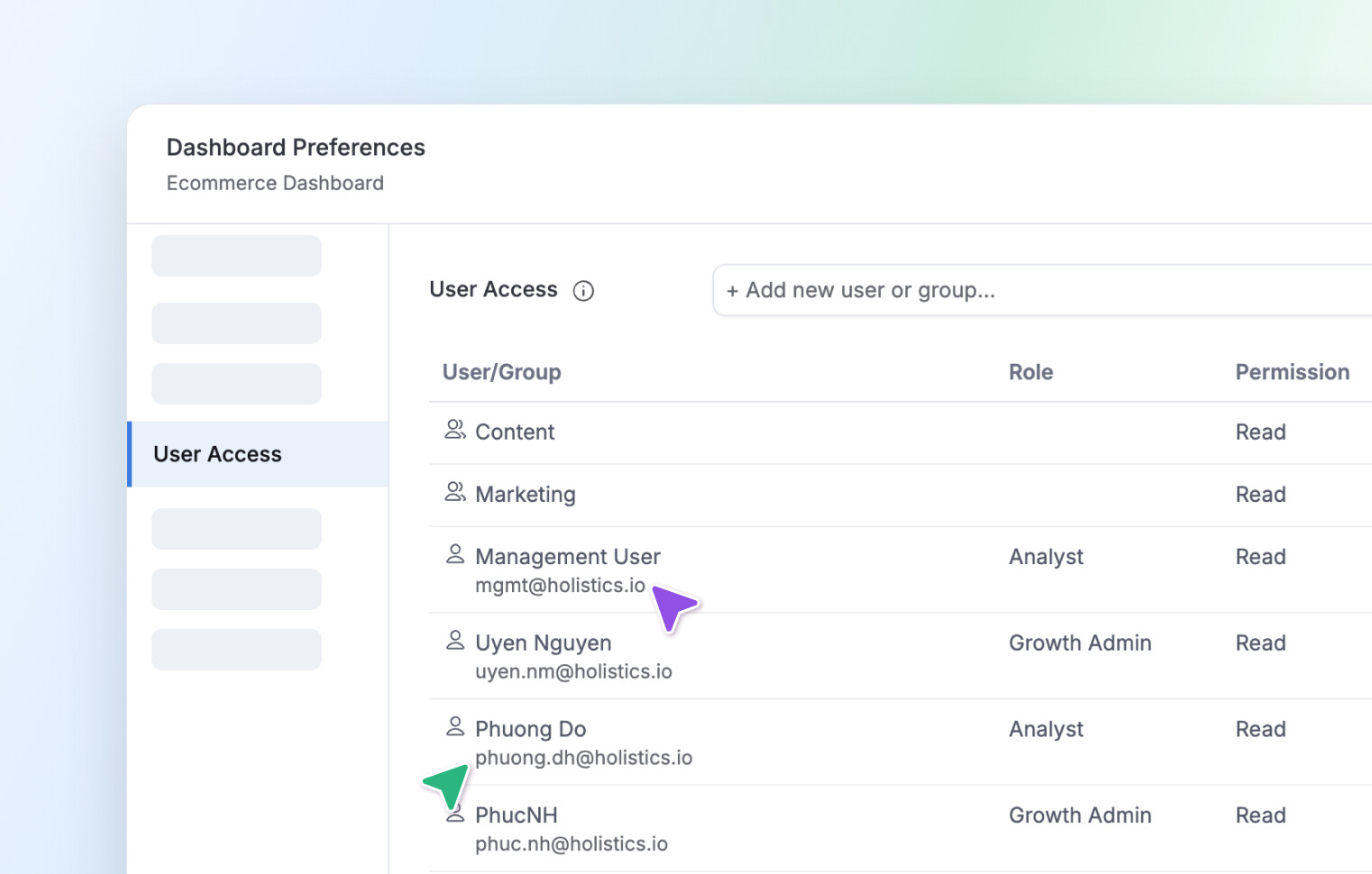
User Access modal: you will now see the user’s email displayed under their name. This helps you double-check you’re sharing with the correct person.
-
Fixed an odd word-wrapping issue in the Data delivery modal’s Destinations column. The text now wraps properly, so content in that column is easier to read. You can also hover to view the full list of recipients.
-
We addressed a confusing apply/close behavior in the conditional formatting popover. It now features separate Close and Apply buttons, so you won’t accidentally close it without applying changes.
-
The Data Alert modal’s Alert condition field (which is required) now has an asterisk indicator next to it, just like other required fields.
-
Fixed a UI quirk in Search results where dashboard version icons were not matching correctly.
-
The trial signup hero banner got a layout fix – the call-to-action button now stays within the banner (it was previously sneaking outside of it).
-
If you try to open an Exploration with an incorrect URL, you’ll now see a friendly error message. The previous error message was not very helpful, so we made sure it clearly tells you what’s wrong.
-
We increased the font size in the Y-axis color picker’s palette for better readability. No more squinting at tiny text.
-
Improved a misleading button in the color management interface to make its function clearer.
-
When you collapse the Visualization Settings panel to its minimum width, the Column Freeze section layout no longer breaks.
-
Cleaned up the Shareable Link list view by removing an unintended duplicate divider line in the Action column header.
Development
- We fixed a minor UI issue where the context menu in data model’s list view was misaligned.
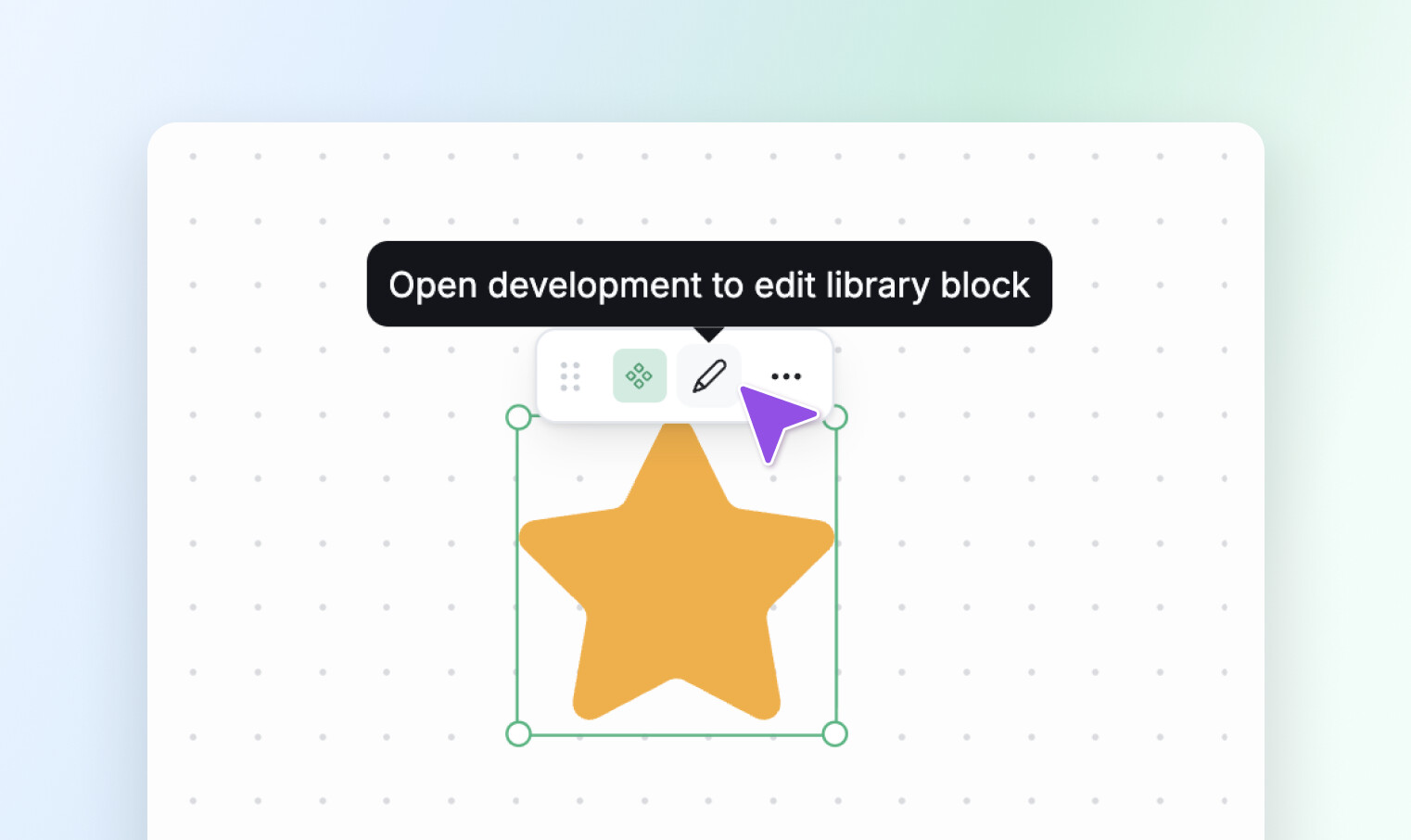
- When a report contains a library block, we’ve added an indicator to explain that library block can only be edited in Development mode & help you navigate quicker.
And we’re just getting started. We’ve got big plans for the rest of the year, but we never want to lose sight of the small stuff that makes your work easier.
Enjoy the fresh new look, and we’ll see you in the next one. Have a wonderful start to 2026! 