Hi everyone! 
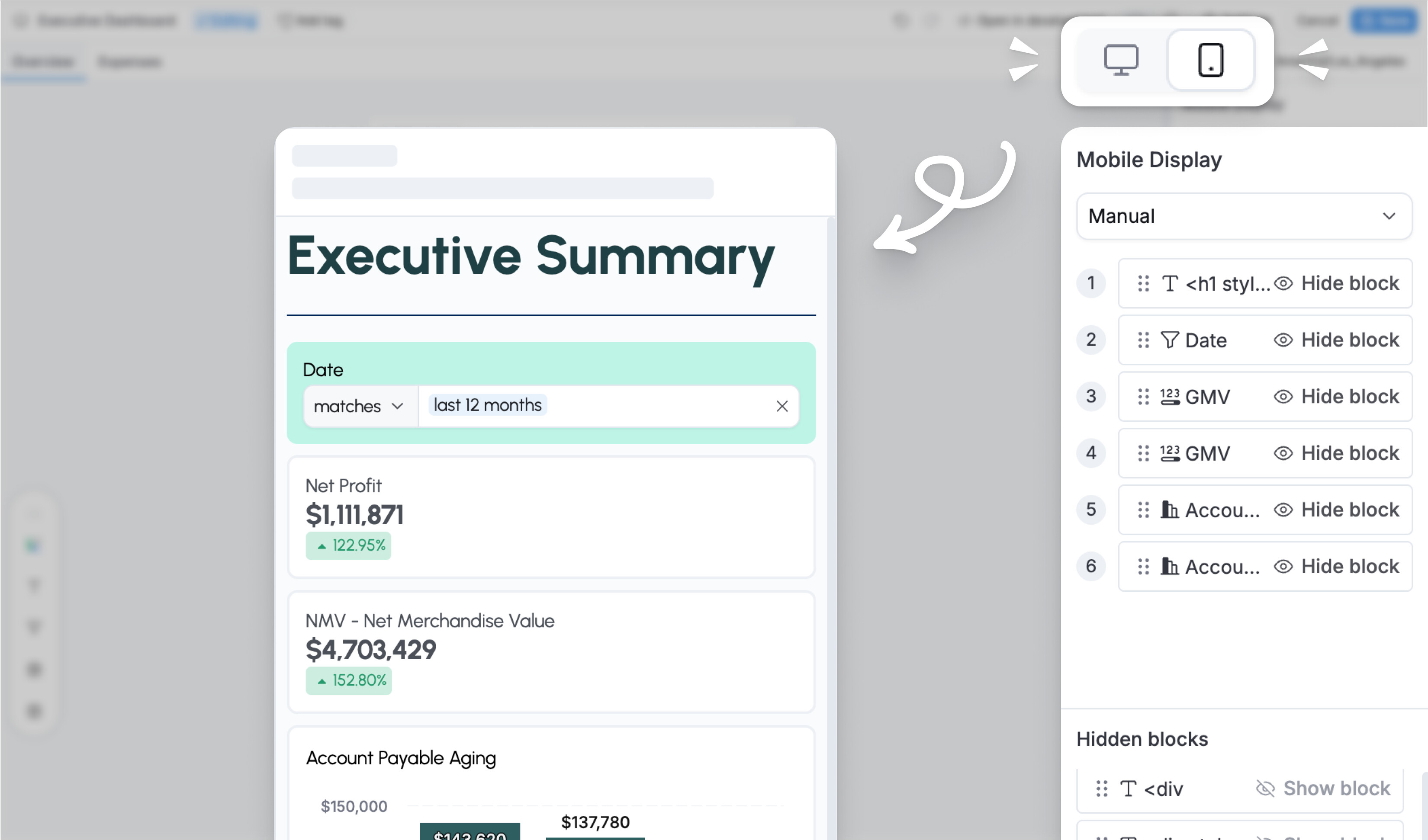
We’re excited to announce that we’re bringing Mobile View, Themes, and Reusable Library to the Reporting environment!
The problem we’ve solved
Previously, dashboard editors — especially explorers — had to switch to the Development environment to configure Mobile View, Themes, and Reusable Library. This added unnecessary friction and completely blocked explorers, who can only work in Reporting.
The solution
With these features now live, you can configure mobile view, apply theme, and insert shared reused blocks directly in Reporting when building canvas dashboards.
How it works
Open any dashboard in Reporting edit mode and you’ll see Mobile View, Themes, and Reusable Library available right there. No need to switch to Development — everything stays in one place.
Timeline
We’re rolling this out in phases:
- Mobile view: Live now!
- Themes: Live now
- Reusable library: In development (Est. Apr 2026)
We’d love to hear your thoughts! 
Happy analyzing!