Hi everyone! 
We’re excited to announce the official plan of deprecating the quick dashboard for existing 4.0 tenants. You can choose to:
- Keep both dashboard types running in parallel (no change)
- Or, request to disable the quick dashboard
 What happens after deprecation
If you choose to deprecate the quick dashboard:
- Your existing quick dashboards remain accessible — you can view, edit, and delete them
- You cannot create new quick dashboards
 How to deprecate
- Now: Reach out to our support team — we’ll enable it for your account after confirming you understand the changes.
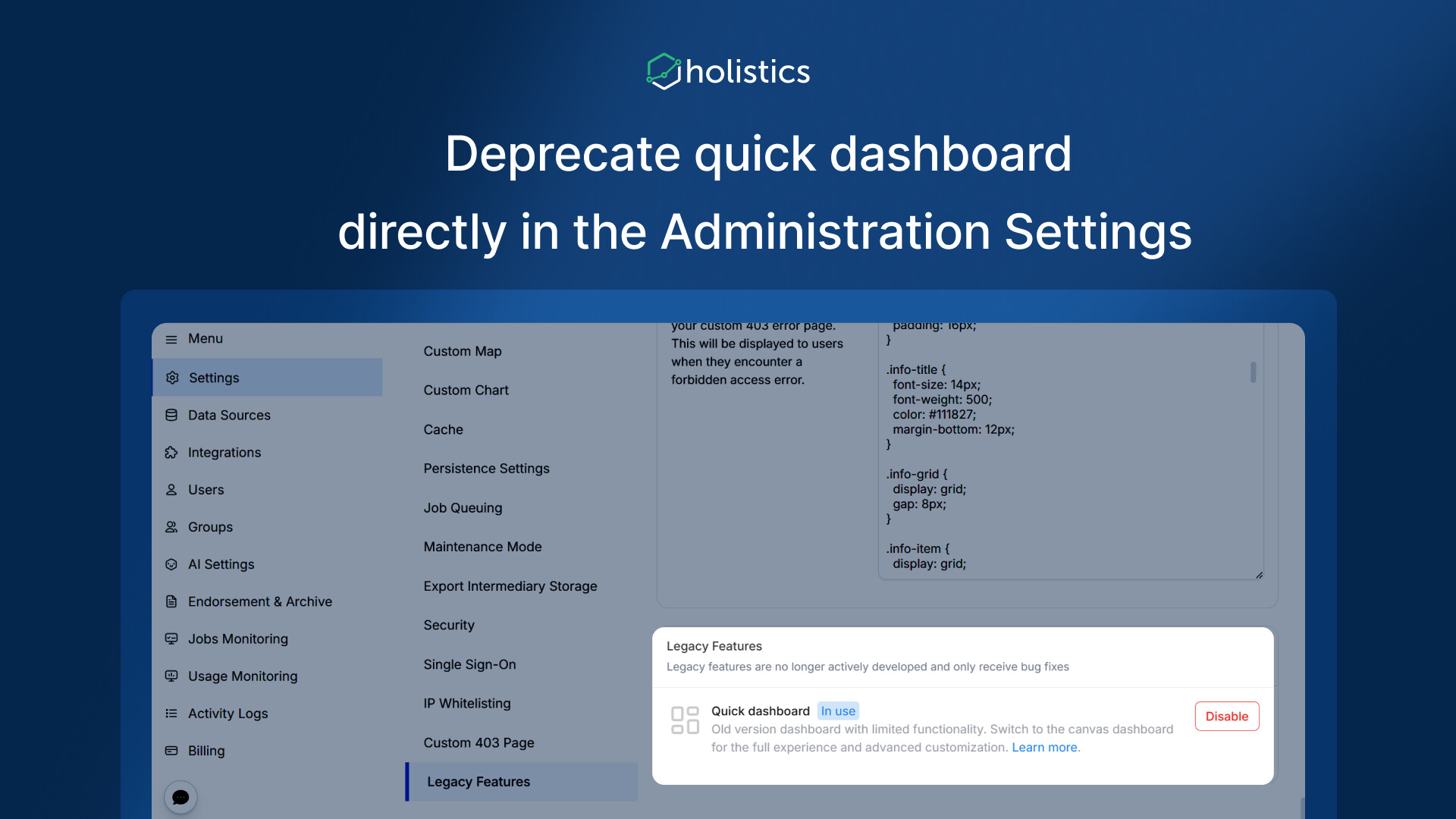
- Coming soon: You’ll be able to enable/disable this directly in your admin settings, no need to contact support.
 Why should you deprecate the quick dashboard
- For 4.0 accounts created before 10 Feb 2026, having two dashboard types could confuse your end-users.
- By deprecating the quick dashboard, your organization can go all-in on canvas dashboards with full capabilities and future improvements: version control, flexible layouts, modern visualizations, and more. Learn more about our canvas dashboard.
Feel free to drop us a message if you have any questions!