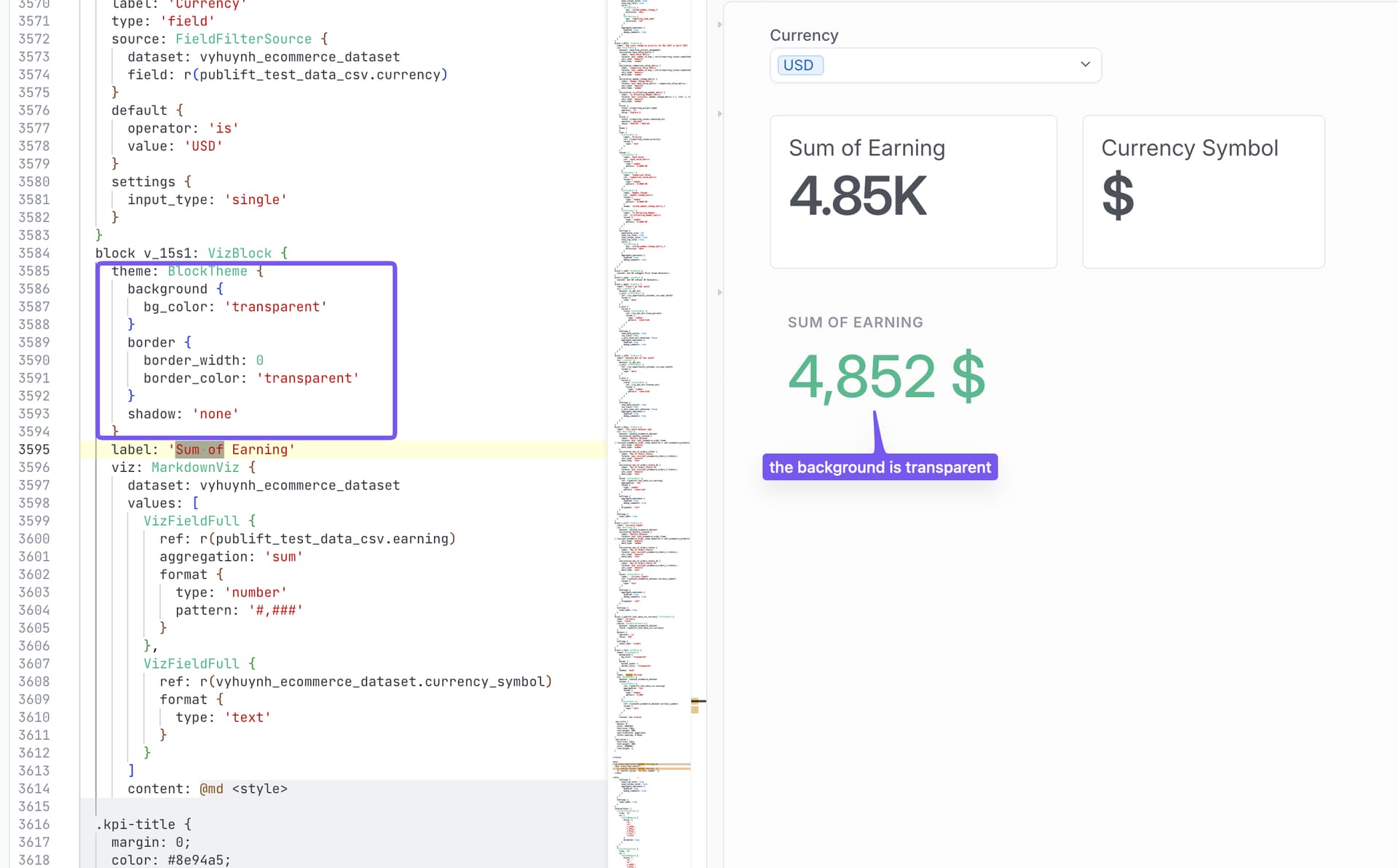
i have tried now everything to make the background of my Markdown visualization transparent, to avoid overlapping with other viz blocks.
Until i read somewhere that its not possible in the current as is to do so.
Now my question is there a way to do so or is there another ticket to promote this feature?
Just a note: updating the markdown code only styles the content rendered inside the markdown visualization, not the block container itself. The visible background/border you want to remove belongs to the VizBlock container, so the block theme needs to be updated instead.
Please give it a try and let me know if it works for you.