Hi there 
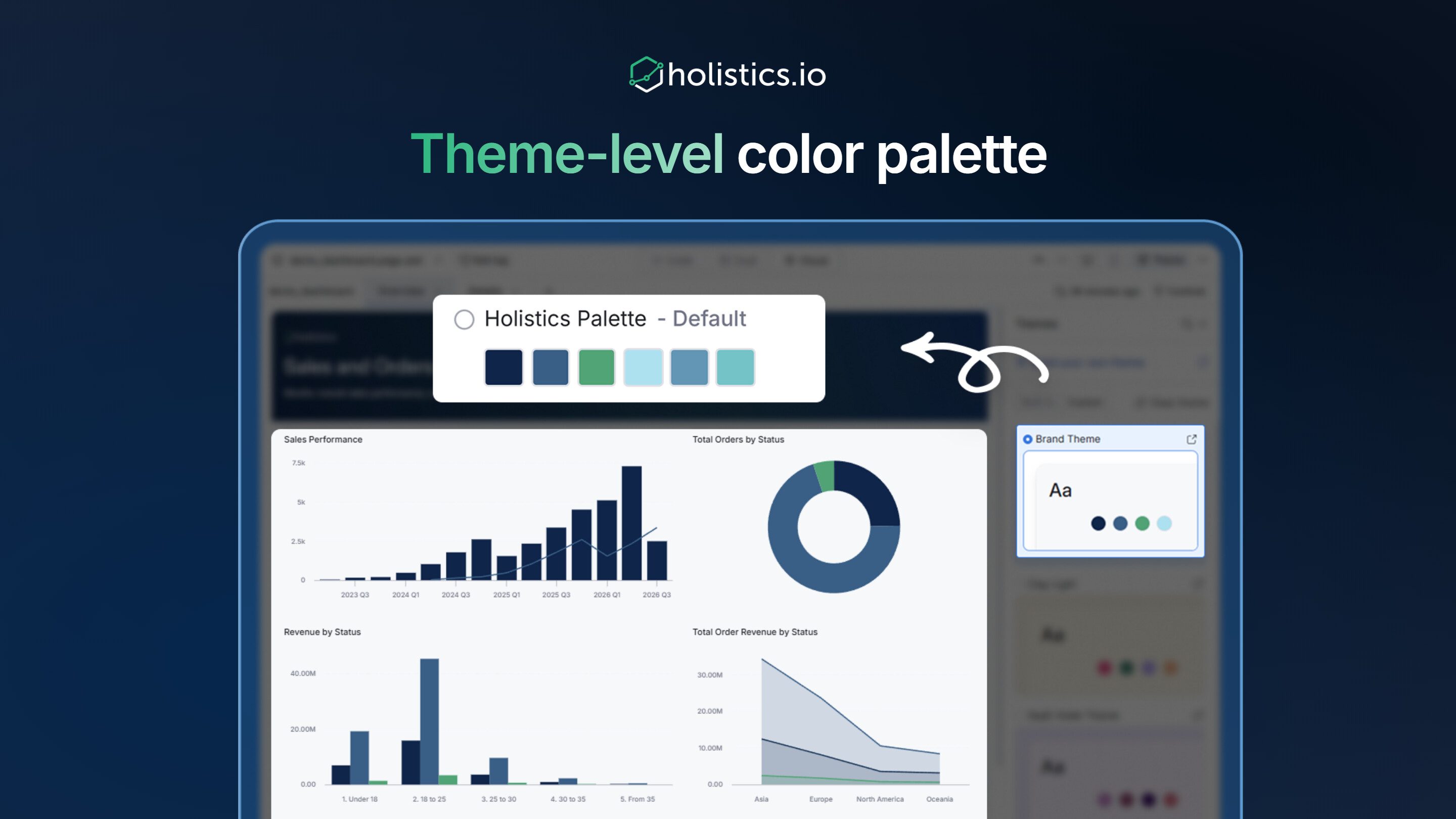
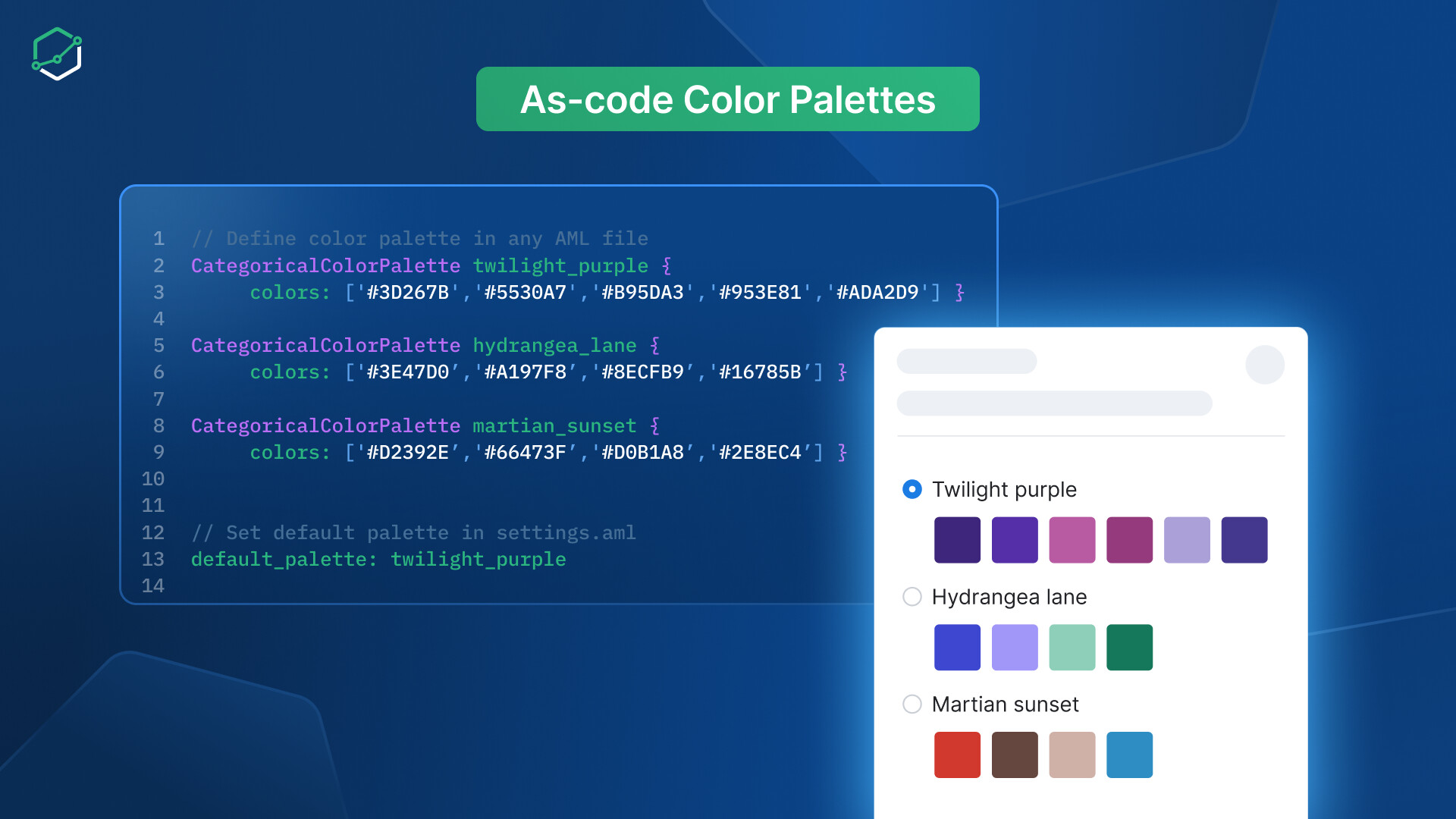
We’re thrilled to introduce our new Color Palette as-code — bringing color palette management directly into your AML workspace. Define palettes once in code and reference them anywhere, with full version control and workspace-level defaults.
 What’s New:
 Code-First palette definition: Create color palettes directly in AML files alongside your data models — no more jumping to Admin Settings.
 Workspace defaults: Set a default color palette at the workspace level, ensuring all newly created dashboards automatically use your brand colors.
 Multi-Level referencing: Reference palettes at any level — project-wide, per theme, or per individual chart. Lower levels always override higher ones for precise control.
 True reusability: Changes to a palette automatically propagate everywhere it’s referenced. Update once, apply everywhere.

 How it works
 Legacy palettes
 Documentation