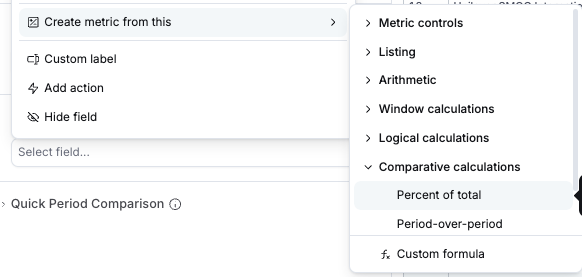
When I create a metric using Comparative calculations → Percent of total, it would be great if the formatting defaulted to a percent. Instead, the generated column keeps the formatting of the column it was generated from.
Example of what I would want to see:
Original Column, Calculated Column
$4, 50%
$2, 25%
$2, 25%
But instead I’m seeing:
Original Column, Calculated Column
$4, $0
$2, $0
$2, $0
It’s an easy manual fix to reformat, but my feature suggestion is for any “Percent” type calculated metrics to default to display as percents.
Hi @Becca_Perry ,
Thanks for reporting this. It’s a known bug on our side. The default format of PoT should be %.
I’ll let you know when the fix is available.
Hi @Becca_Perry,
We’ve just fixed the issue so PoT is now shown in percent format by default.
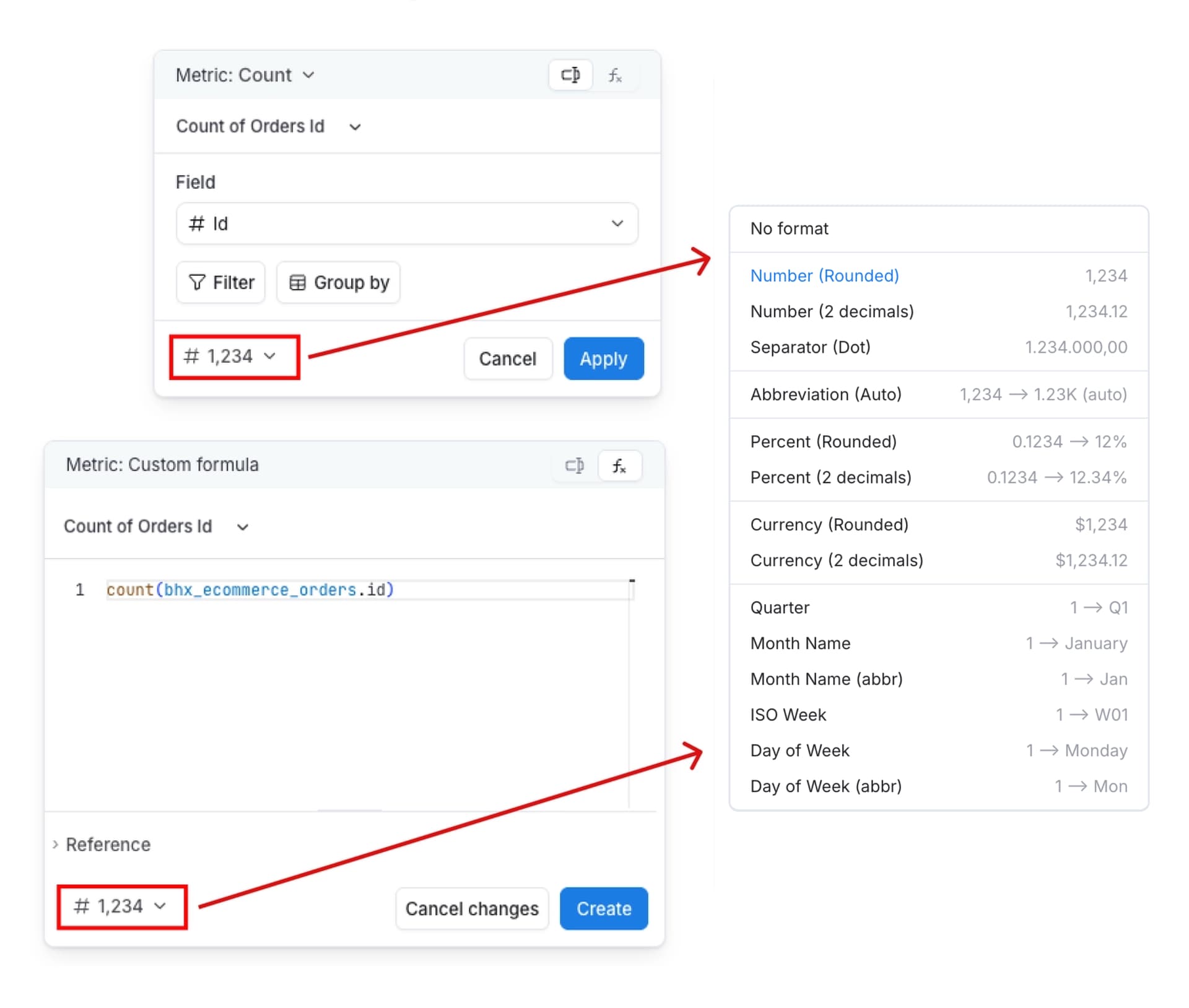
On top of that, we’re rolling out a new feature that lets you edit formats right in the GUI or AQL editor, no need to switch to AML code mode.
This is already available for dataset fields on the development side, and support for ad‑hoc fields will be coming in the next 1–2 weeks.