Hi Team,
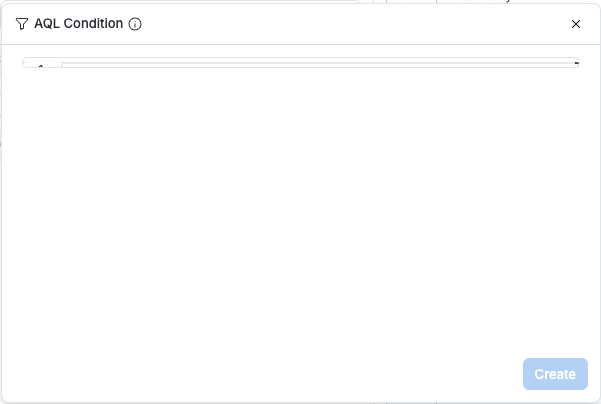
When trying to create a custom (AQL) filter condition, the text box in the popup is showing up as only a couple of pixels in height. It is still possible to add a custom condition, but it is not possible to see what that condition is while creating or editing one.
I have confirmed this same visualization issue does not extend to custom measure or custom dimension definitions. A workaround is to create a one of those and use it as a filter condition if needed in the short term, though on canvas dashboards it does increase the complexity of the dashboard.
Thank you,
Bob Adams