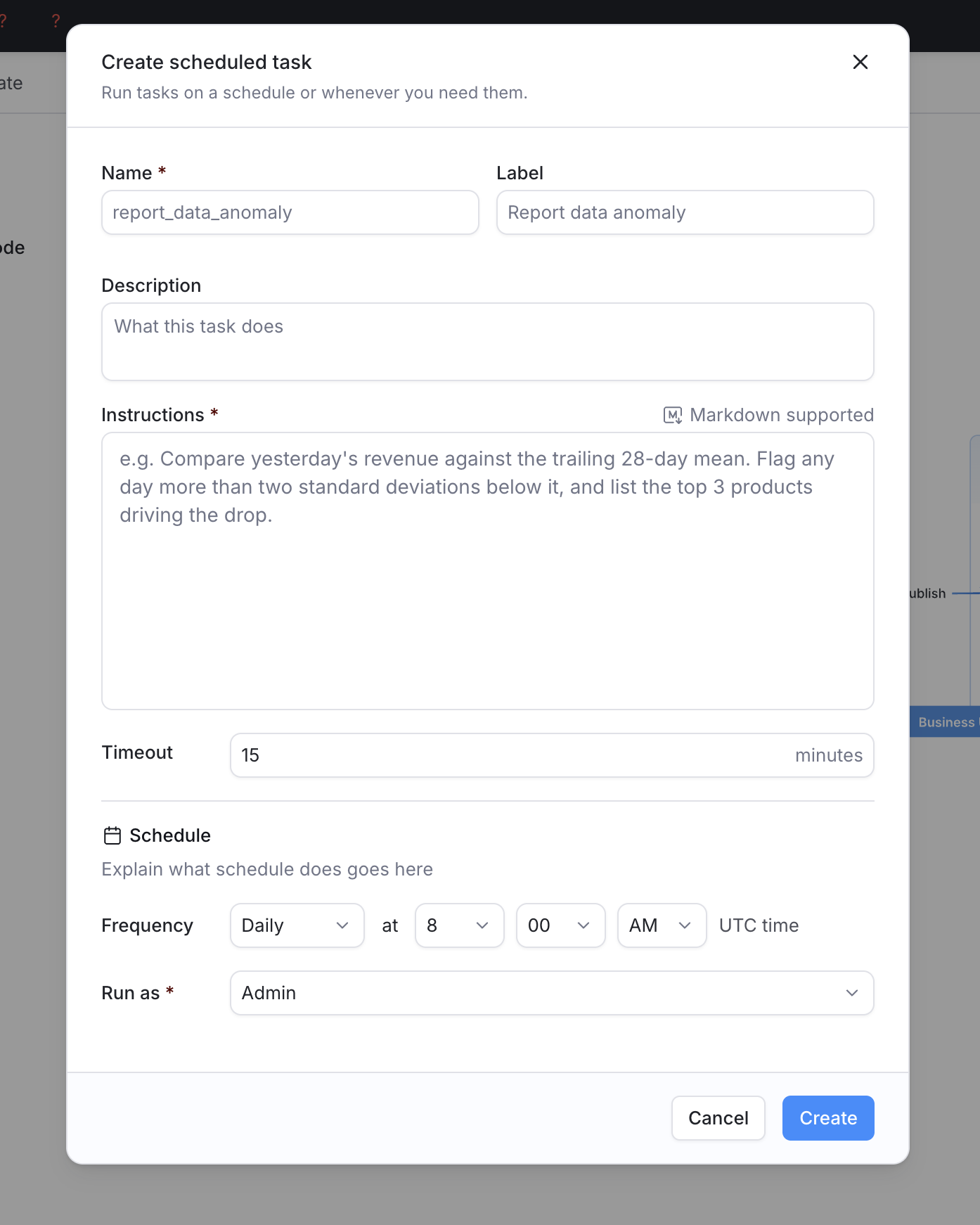
AI Tasks let you define a reusable unit of AI work once, then run it automatically - on a schedule or on demand.
Use an AI Task for work that’s repetitive, doesn’t need your presence, and has a clear definition of “done.” Because you set explicit acceptance criteria, every run is automatically checked pass or fail, not just generated.
Use it to:
- Automate a recurring report - summarize last week’s sales by region under your team’s conventions, and flag any region that moved more than 15%, every Monday morning.
- Roll up AI Chat Insights - aggregate the past week’s AI Chat Insights into a ranked list of the context gaps affecting the most conversations.
Learn more: AI Tasks