hi @gwizard, thank you for reaching out, and sorry for our late reply.
We have, but it’s quite hacky
- You must identify the target block’s
idand column’suname - Then, use this CSS to custom the text alignment:
#block-{block_uname} [col-id="{column_uname}"] {
  text-align: right;
}
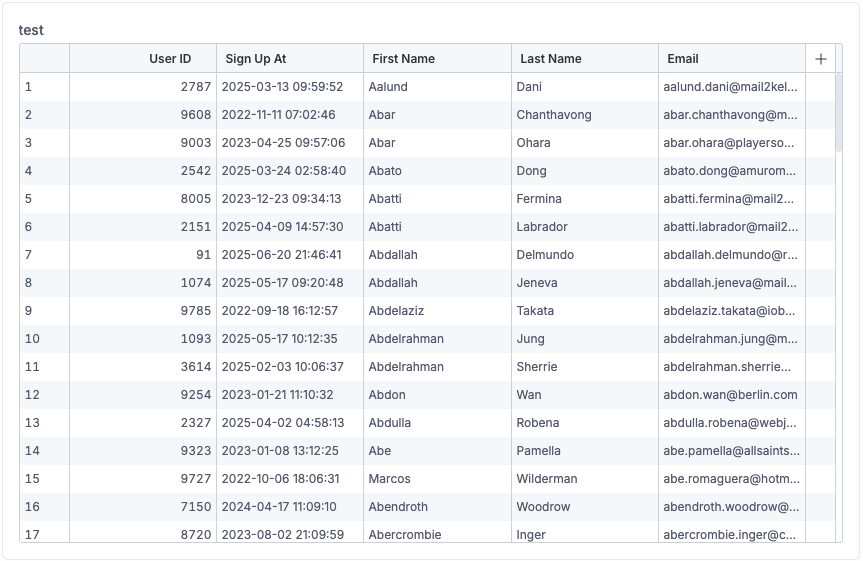
For example, this is what the default table looks like:
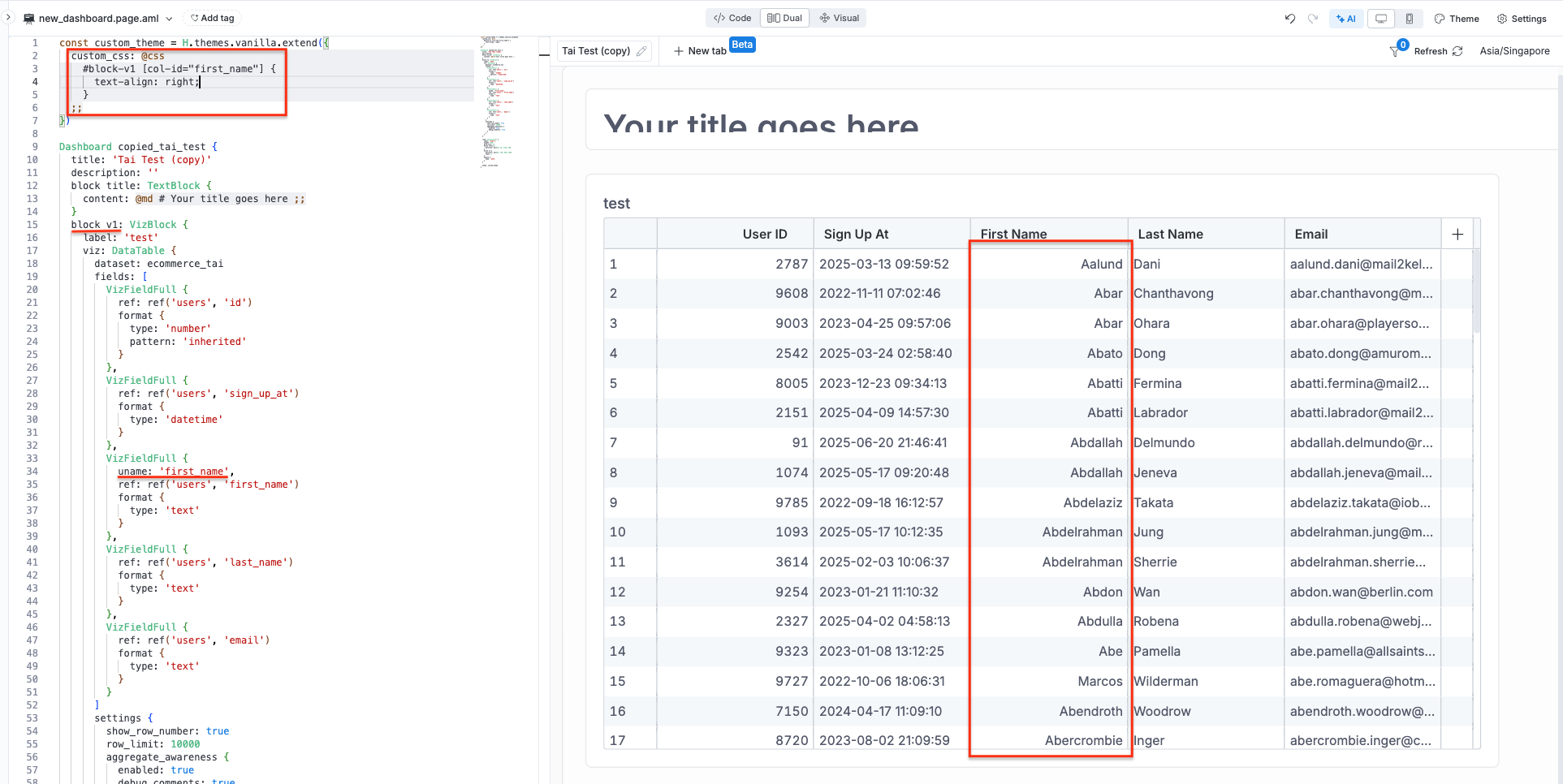
After applying the custom CSS to make the First Name column’s content be right-align:
custom_css: @css
    #block-v1 [col-id="first_name"] {
      text-align: right;
    }
  ;;
I hope this workaround will be helpful for you. Let me know if you need any further assistance or have any questions.