Hi community! 
This month we spent most of our time on the moments that usually slow you down: finding a setting you know exists, figuring out how to save, or waiting on a canvas that won’t keep up with your trackpad. Here’s what’s new.
Reporting
-
Smoother canvas zoom: Zooming a canvas dashboard with your mouse wheel or trackpad now feels as responsive as pinch-to-zoom, even when you’re already zoomed in.
-
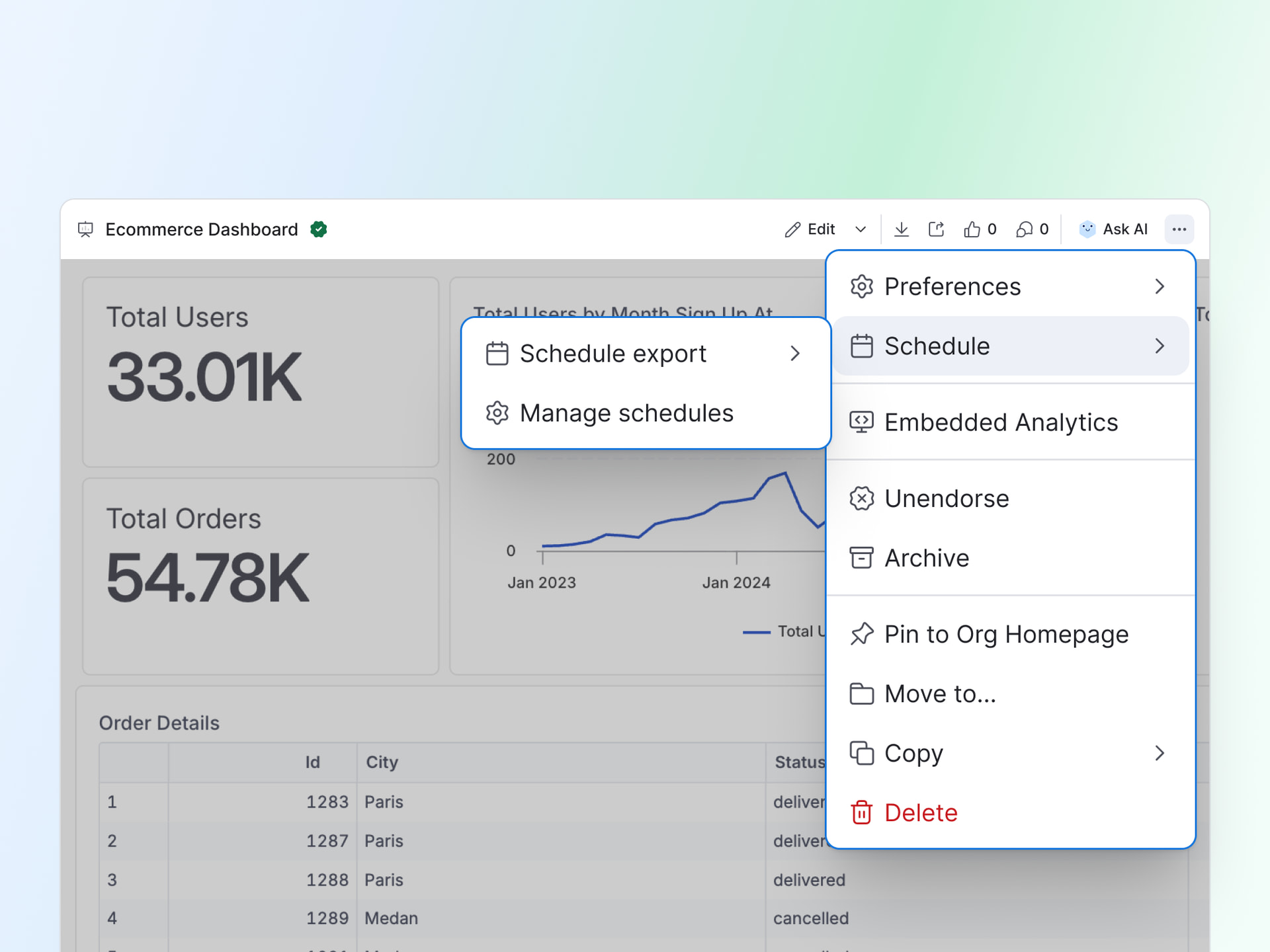
Schedules are easier to find: You can now set up a schedule straight from the dashboard’s ••• menu, without hunting for it.
-
A clearer Edit block panel: The button that saves your changes is now simply called Save (it used to say “Preview” or “OK”). Editing a block description has its own icon and a simpler flow. Display options are now plain checkboxes under a “Display” label, and the block metadata banner links straight to the block’s code definition.
-
Simpler tabs on Data Schedules and Data Alerts: The filter tabs now use plain destination names, like “Email” instead of “Email Schedules”, and they use our standard segmented control.
-
No more measures on a bar chart’s X-axis: In ad hoc query visualizations, you can no longer drop a measure onto the X-axis of a bar chart. This now works the same way it does in dataset Explore.
Admin & settings
-
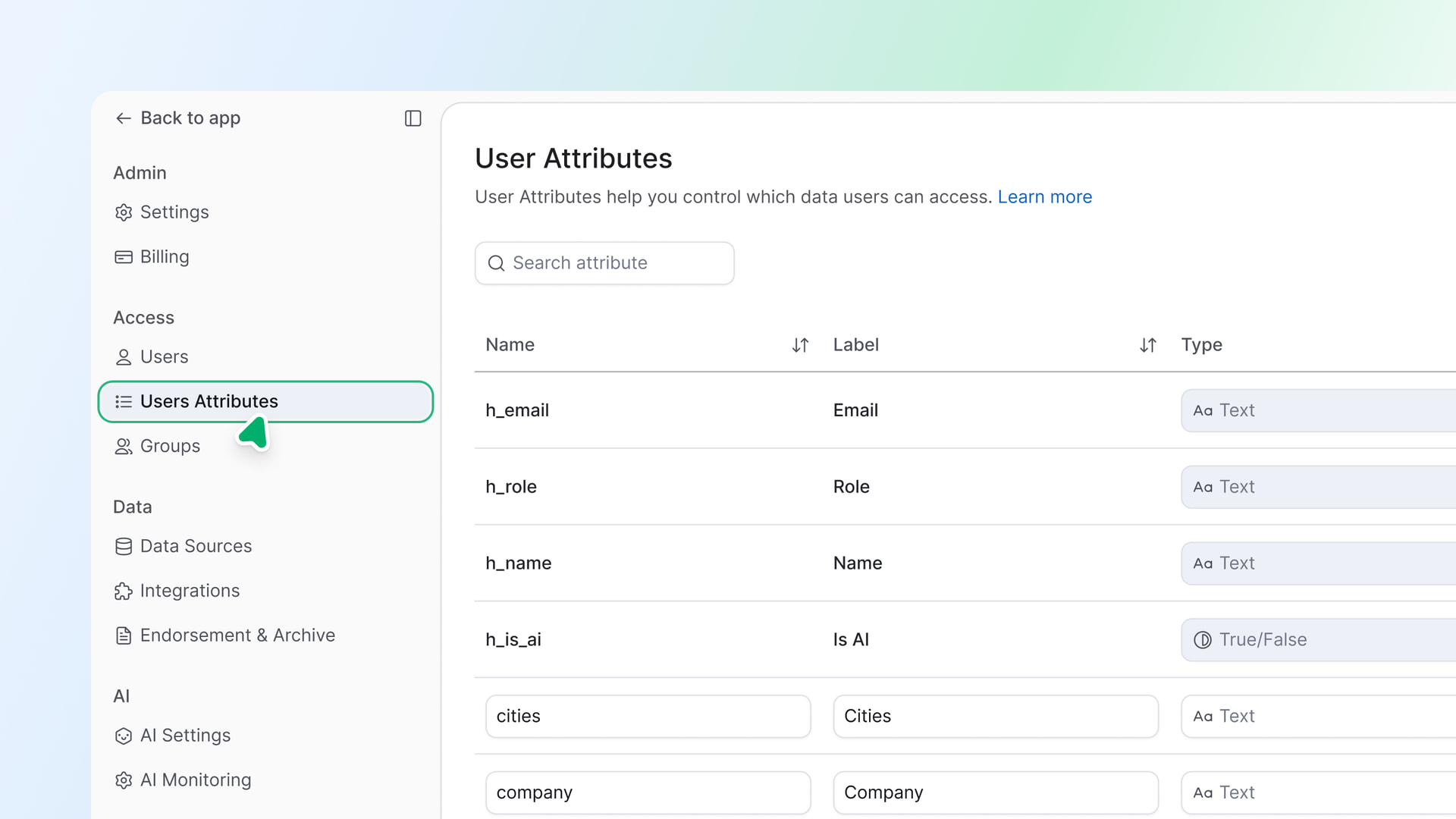
User attributes have their own page: You can now view, create, and delete user attributes from a dedicated settings page.
-
Filter Activity Logs by “Update Settings User”: This action was missing from the Action filter.
-
Saved SFTP passwords display correctly: When you open an SFTP connection, its stored password now shows the way it should.
General UX & UI enhancements
- Illustrations that match dark mode: Illustrations in settings, the embed portal introduction, and the control indicator tooltip now switch between light and dark versions to match your color mode. We also refreshed a batch of in-app illustrations along the way.
- OpenAI logo visible in dark mode: The OpenAI logo now switches with your color mode, so it no longer disappears on a dark background.
- Cleaner error pages: We fixed typos and tightened the copy on our static error pages.
- Consistent text in AI thinking steps: The resource badges in AI thinking steps now all use the same font weight.
- Tidier trial-expired modal: Broken icons are fixed and the layout is cleaned up.
- No duplicate fields in data alerts: Each field shows up only once in the data alert modal.
- Delete modal stay open: Clicking outside a delete confirmation no longer closes it by accident.
Most of this month’s list came from someone telling us “this took me a while” or “this looks off.” Keep that feedback coming. See you in November! 