Hi community! 
This month we tidied up the small things that get in the way: a missing search box, a secret key sitting in plain sight, and a SQL editor that didn’t like small windows. Here’s what’s new.
Reporting
-
Dataset descriptions fit their popover: No more scrolling sideways to read the full description.
-
Explore dataset picker handles deep folders: Long folder and dataset names now wrap instead of being cut off.
-
Dashboard header no longer overlaps: The header stays tidy at narrow widths.
-
Edit toolbar lines up with the AI header: In dashboard edit mode, the toolbar now lines up with the AI header.
Modelling
-
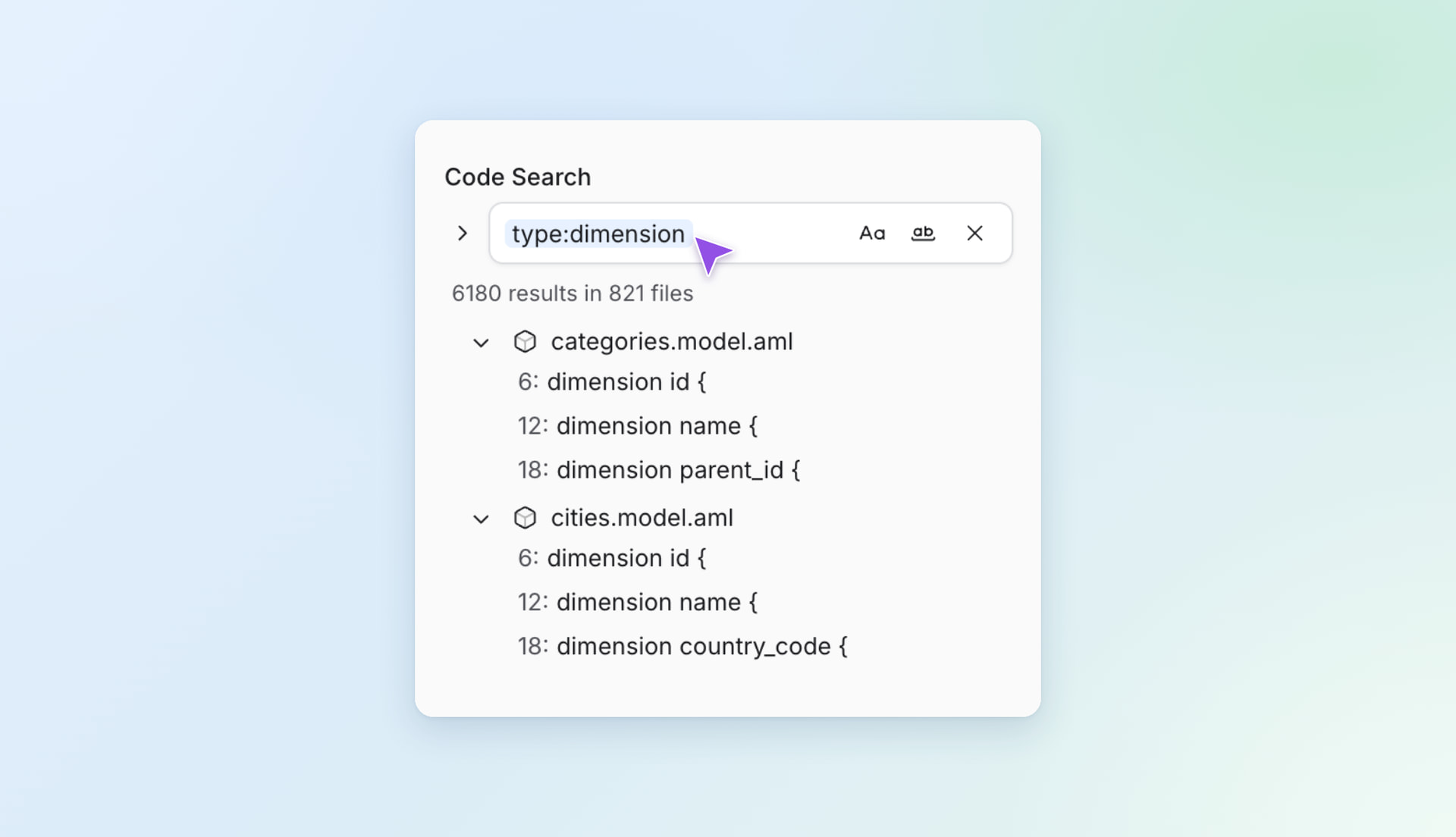
Type filters work without a keyword: In AML Studio search, selecting
type:dimension,type:measureortype:metricwith no keyword now lists every item of that type right away.
SQL editor
-
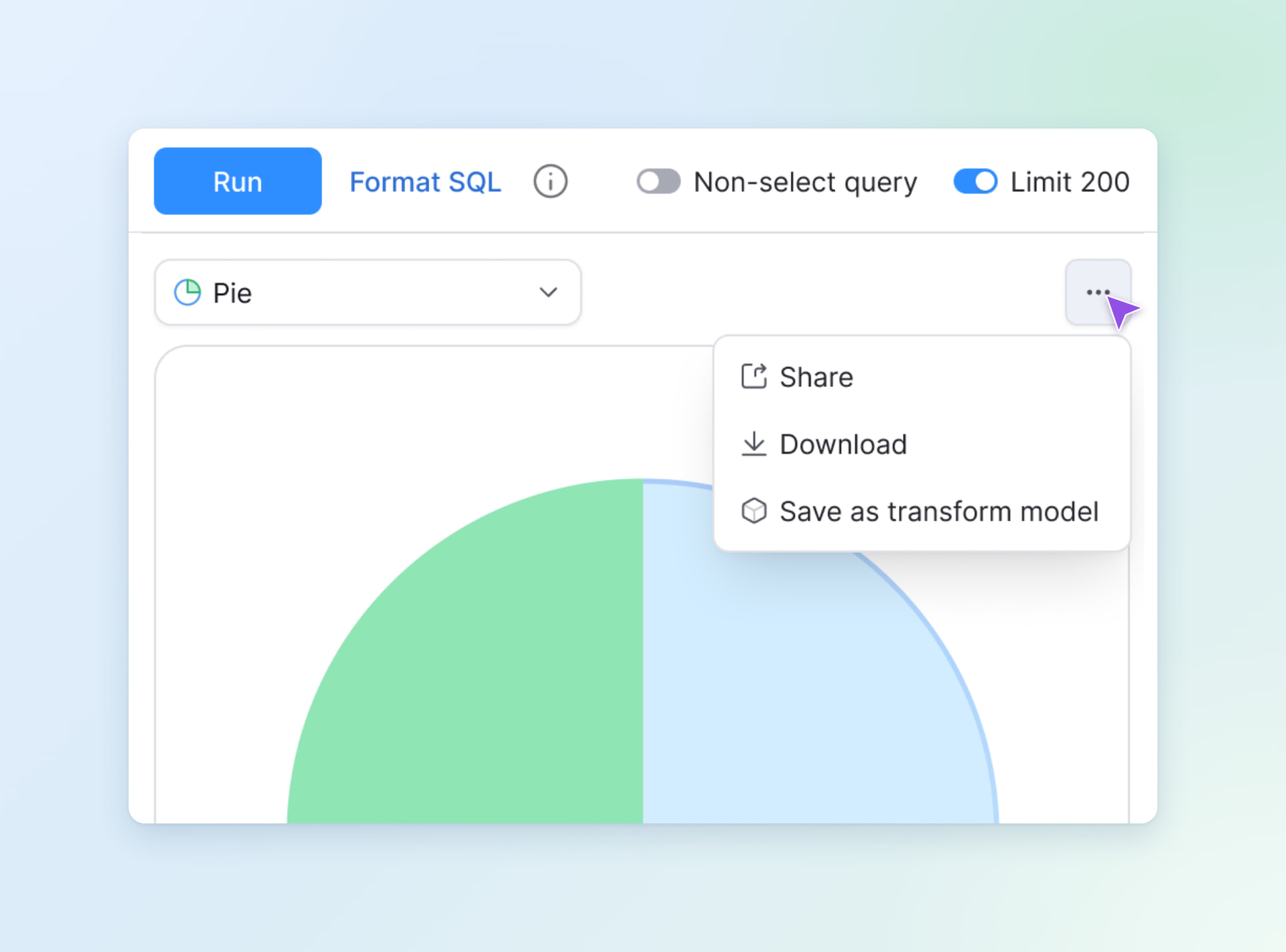
Actions line up with the chart type dropdown: They now sit centered with it.
-
Collapse button no longer fights the scroll bar: The button now sits cleanly above it.
-
Result header is no longer clipped: Actions move into a
…button in narrow windows, so nothing is cut off by the table. -
Bottom bar stays on one line: Labels no longer wrap in narrow windows. Actions move into a
…button.
Admin & settings
-
Athena secret keys are hidden: The Secret Access Key is now masked like a password.
-
dbt integration table stays aligned: The last column lines up with the rest on smaller windows.
-
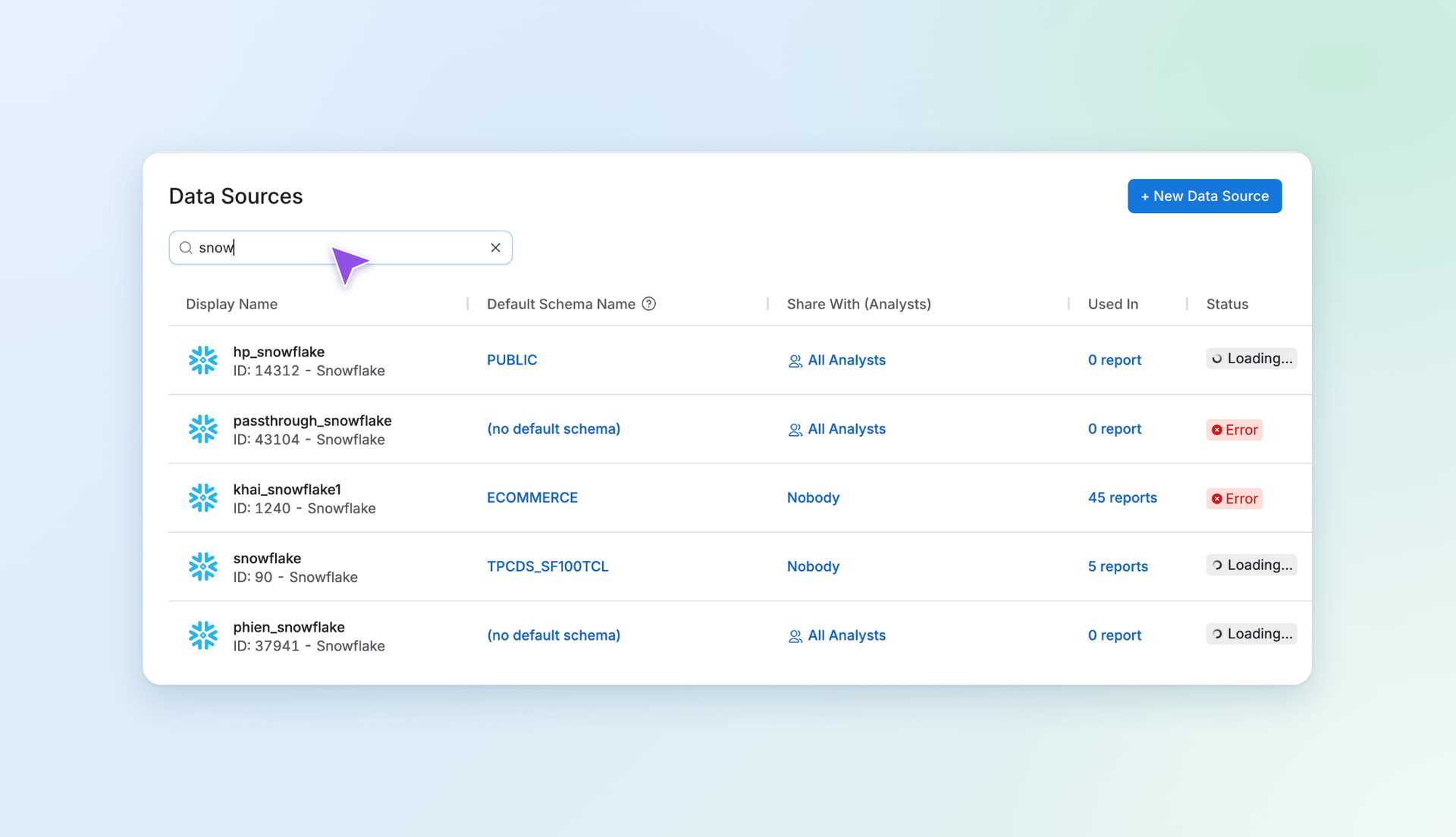
Search your data sources: Find a data source by name or ID.
General UX & UI enhancements
-
All code visible in AI thinking steps: The copy button now appears only on hover, so it no longer covers the code.
-
Fixed “Learn more” links: The query editor shortcuts popover now links to the current docs.
-
Cleaner point size slider in viz settings: The pointer on the point map slider no longer has a dark background around it.
-
Retry tooltip points to the retry icon: The tooltip now sits right on the icon.
-
Clearer empty states in dashboard filters: Shorter, calmer messages like “No reports found.”
-
Fixed link in shareable links: “Read more” next to row-level permission now opens the right docs page.
-
SFTP Edit button styling: The Edit button now uses the standard button style, matching Delete.
-
“Personal settings”, not “User settings”: It’s easier to tell apart from the organization’s user settings.
-
Copy fix: “Logout” is now “Log out”: Menus and modals now use the correct wording.
Most of this month’s list came from someone telling us “this looks off” or “can we add…?”. Keep that feedback coming. See you in November! 